
General criteria for the Simracing Monitor
In general, the requirements for monitors for use in racing simulations (simracing) follow those of normal gaming monitors. Important criteria are therefore, among others:
- Screen format: For a single screen, a monitor in the format 21:9 or even 32:9 is recommended. Triple-screen setups typically use monitors with an aspect ratio of 16:9, rarely 21:9.
- Screen size: Determined by how it is used. For example, a single screen requires a large screen to allow for a larger field of view.
- Screen resolution: Depends mainly on the performance of your own graphics card. In general, a higher resolution is preferable. However, it is important to ensure that your own system is right with it and provides sufficient performance.
- Reaction time: Here is less more. While not quite as crucial as, say, first-person shooters, it should maintain a healthy level. Ordinary TVs fall out of the grid and should be avoided as much as possible. A maximum value of 5 ms should be targeted.
- Refresh Rate: Depends on both the existing hardware and your own feel. 80+ Hz are the recommendation here.
- Freesync/G-Sync support: For AMD cards, only monitors with Freesync are useful. Nvidia cards fully support G-Sync, and Freesync is generally compatible. For simracing, image synchronization is always recommended.
- Viewing angle: Due to the central sitting position or the arrangement in the case of the triple-screen arrangement, not primarily decisive.
- VESA support: Very important if you want to use your own monitor mount, especially for triple-screen solutions.
- Graphics Connectors: Depends on the graphics card you are using. Adapter solutions must be used in an emergency.
Recommendations
Single-screen 34-inch 21:9: Samsung S34J550 €350
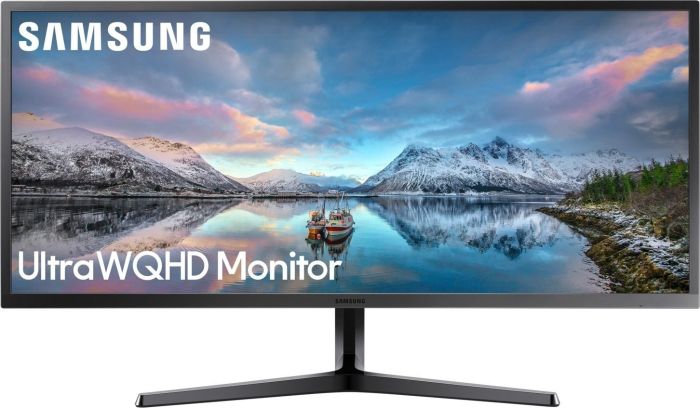
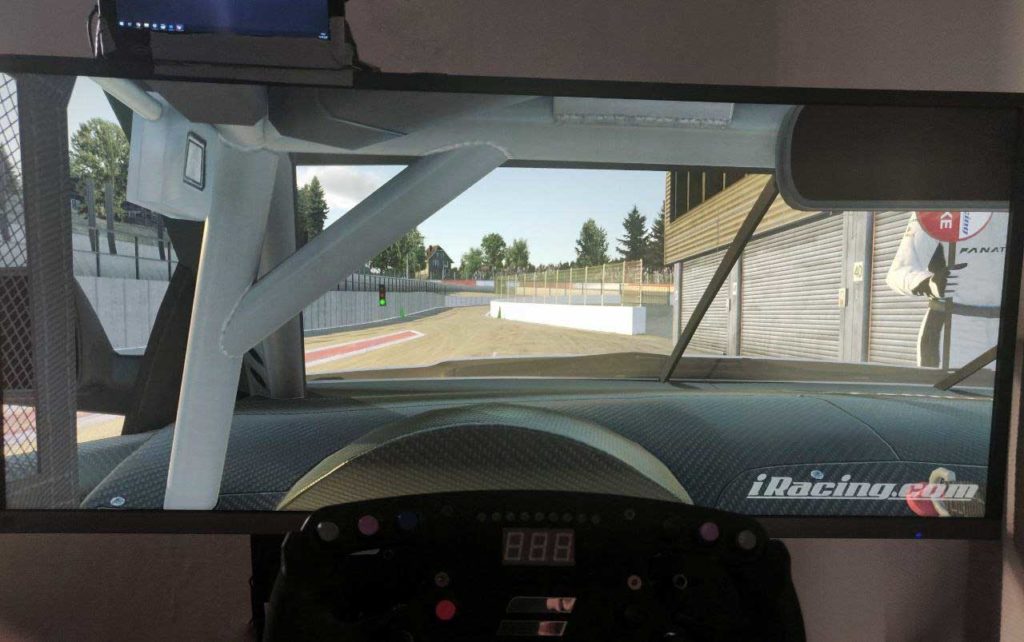
Samsung's monitor is arguably the cheapest way to get into an authentic Simracing_Welt. With a size of 34 inches and a resolution of 3440 x 1440 pixels, it offers a wide image without simultaneously requiring a high-end graphics card. When operated with a display port cable, the signal frequency is 75 Hz (overclocked the monitor can also operate up to 85 Hz), including freesync support with a range of 50-75 Hz. The VA panel is borderline but still defensible due to the not optimal angle of view. The reaction time and the existing 100 x 100 mm VESA mount stand out positively.
Single-screen 49 inch 32:9: Samsung C49HG90 €800
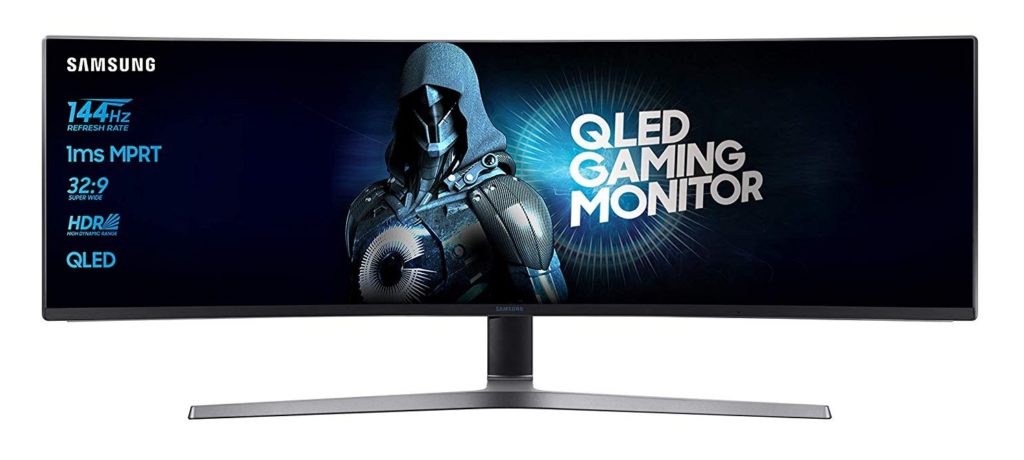
Samsung's 49-inch (3840 x 1080 pixels) monitor with a 32:9 aspect ratio is the pinnacle of single-screen simracing. Curved with a radius of 1800 mm, the screen has a response time of one millisecond and offers a refresh rate of 144 Hz with support for Freesync with a range of 72-144Hz (DisplayPort) or 50-100Hz (HDMI). An adapter for a 100 x 100 mm VESA mount is also included.
Triple Screen 3*32 inch: AOC Gaming CQ32G1 €1000
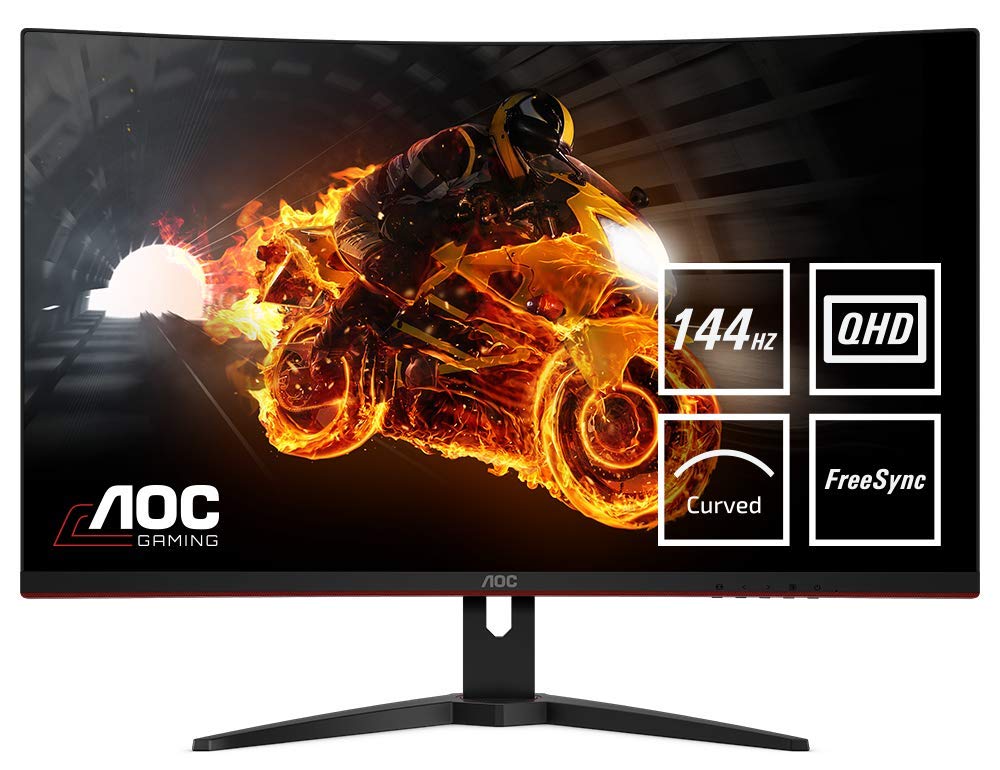
The screen of the Taiwanese manufacturer AOC offers excellent performance at the declared price. The refresh rate of 144 Hz with a very large freesync range of 48-144 Hz is particularly outstanding. The screen resolution is 2560 x 1440 pixels, so it requires a powerful system. The curvature of the screen is moderate with a radius of 1800mm for a 31.5 inch monitor, the reaction time is 4 ms in the green area. The use of a VA panel could also be seen as a point of criticism, but this is shown in practice as unfounded. A Vesa mount is also available, an HDMI cable is included.
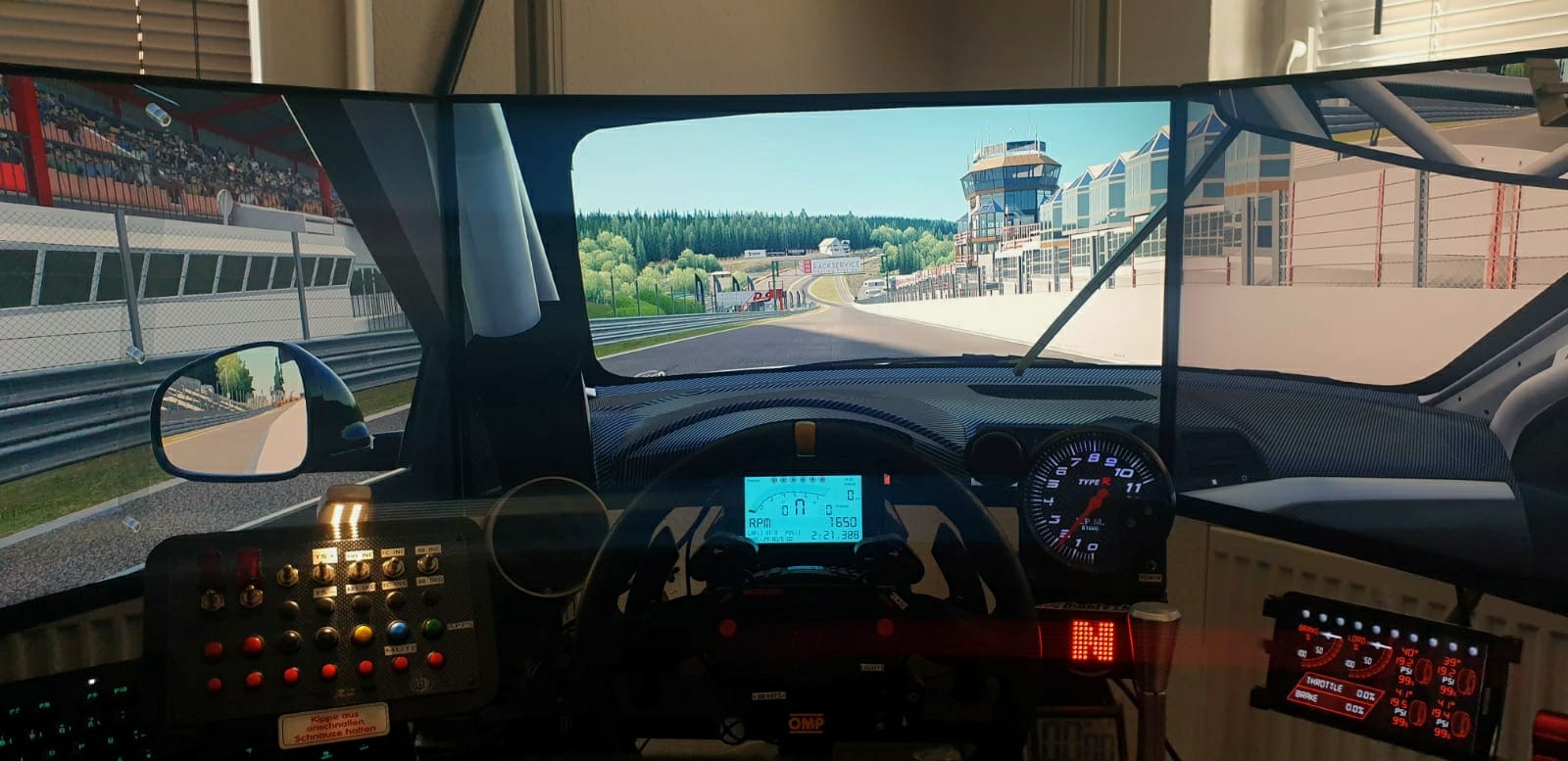

Highend Single-Screen 49 inch: Samsung Odyssey G9 from €1400
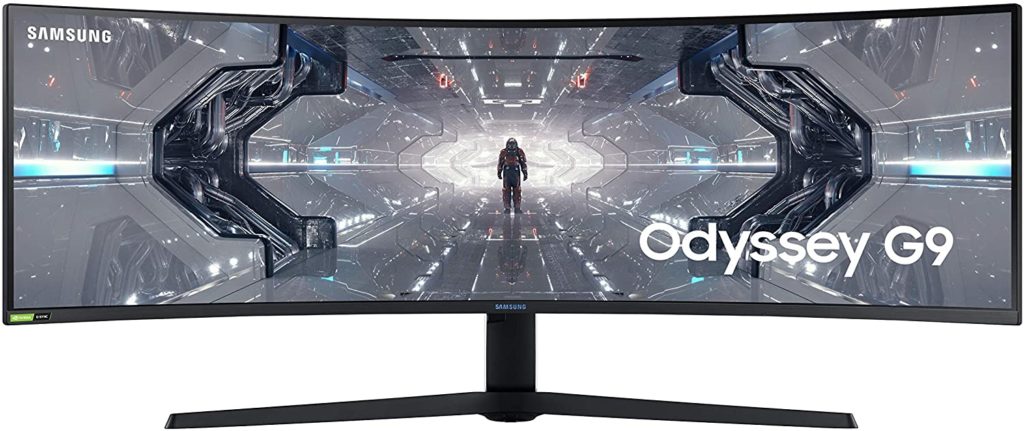
The Samsung G9 is Samsung's current spearhead. With an insane resolution of 5,120 x 1,440 pixels with a response time of one millisecond and a refresh rate of 240 Hz, the monitor not only leaves no desire, it is also the ultimate challenge of gaming hardware. Other features include extreme curvature (1000R) as well as G-Sync compatibility, HDR600, and a Vesa mount.